The Client tab
The Client tab records who you act for - the linked client contacts, their acting capacity and residency, the ownership structure and the client's intentions.
The Client tab records the purchaser: which contacts on your account they are, how each one acts in this purchase, and how they will hold the property. Several of these values feed the transfer duty estimate and the report.
Purchaser
The Purchaser field is where you link the client contact records for the review. Search by name under Link a client contact record and click a result to link it. Link each purchaser as a separate contact; the search is labelled Link another contact once a contact is linked.
To add someone who isn’t a contact yet, click New contact in the search results. When your account is connected to a practice management integration, new contacts are created in that system instead. See Working with synced contacts.
Each linked contact shows its name and contact type. Click the name to open the contact in a new tab.
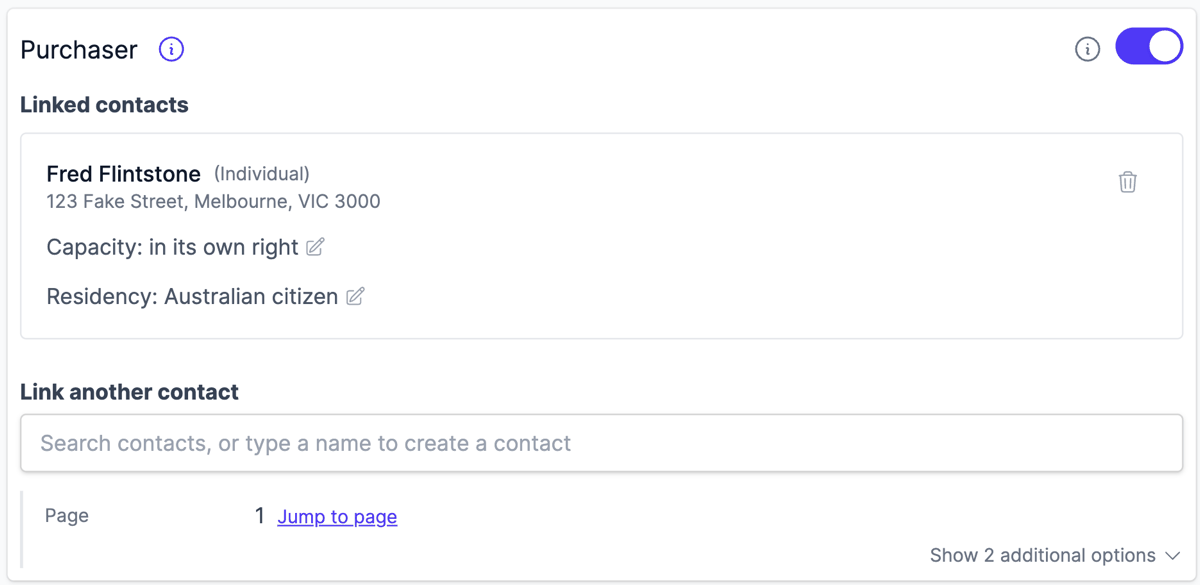
In the report, Curia names each purchaser as their name, the ACN or ABN recorded on a company contact and their capacity, for example Owens Holdings Pty Ltd ACN 123 456 789 as trustee for Owens Family Trust.
Purchasers not yet linked
When a purchaser named on the contract particulars has no linked contact, a Purchasers on contract particulars not linked notice lists them, one row per purchaser.
Each row suggests contacts from your account whose name matches the purchaser:
- Link - when there is one suggestion, links that contact
- Link contact - when there are several suggestions, opens a menu to choose one
- Create contact - when there is no suggestion, opens the new contact form pre-filled with the name and contact type from the contract
With a single suggestion, click the suggested name to open the contact in a new tab before linking it. A suggestion whose middle name differs from the contract says so. Once a contact is linked, its purchaser leaves the list and the contact is not suggested again. Linking a contact whose name is written differently also clears the purchaser, and raises a purchaser name mismatch.
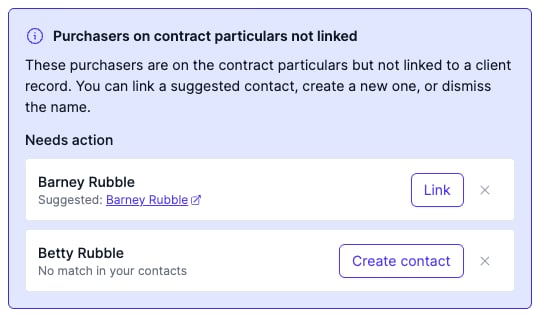
Click the dismiss icon on a row to set that purchaser aside, for example when they are not your client. Dismissed purchasers stay marked as dismissed when you return to the review, and Restore puts them back on the list.
Purchaser name mismatch
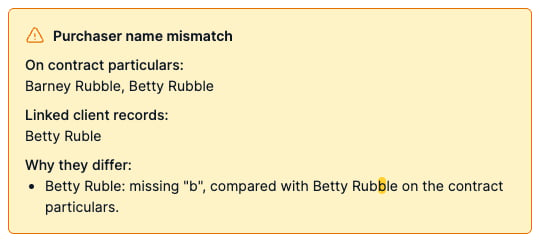
When a linked contact’s name is not written exactly as a purchaser on the contract particulars, a Purchaser name mismatch notice lists the names on the contract particulars and the linked client records. A difference in letter case or spacing alone doesn’t count. Punctuation, company suffix and middle names all do. The comparison uses the names alone, so a company number or acting capacity doesn’t cause a mismatch.
The notice explains why each linked name doesn’t match. A spelling difference highlights the differing letters on both names.
Curia also fills the field’s amendment request and recommendation, asking for the purchaser name on the contract to be amended. A purchaser who isn’t linked yet doesn’t raise the mismatch; they are listed as not linked instead.
Capacity
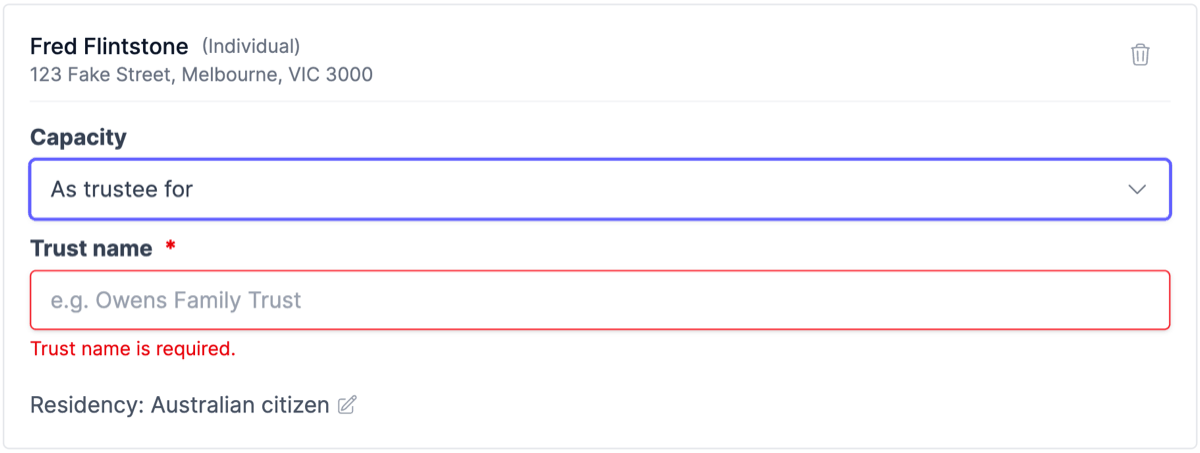
Each linked contact has a Capacity line, which reads in its own right until you change it. Click the line to edit it. For a trustee purchase, choose As trustee for or As bare trustee for and enter the Trust name. A capacity with no trust name stays open and is listed as required when you finalise.
Curia reports the purchase as a trust purchase when any purchaser acts as trustee, including a company acting as trustee, and as a company purchase when any purchaser is a company acting in its own right. Record a corporate trustee as a company contact and set its capacity here.
Residency status
Residency status is recorded against the contact, not the review. Once saved, it shows on the contact’s profile and carries over to every later review the contact is linked to.
Each linked contact needs a residency status before you can finalise.
Recording a residency status
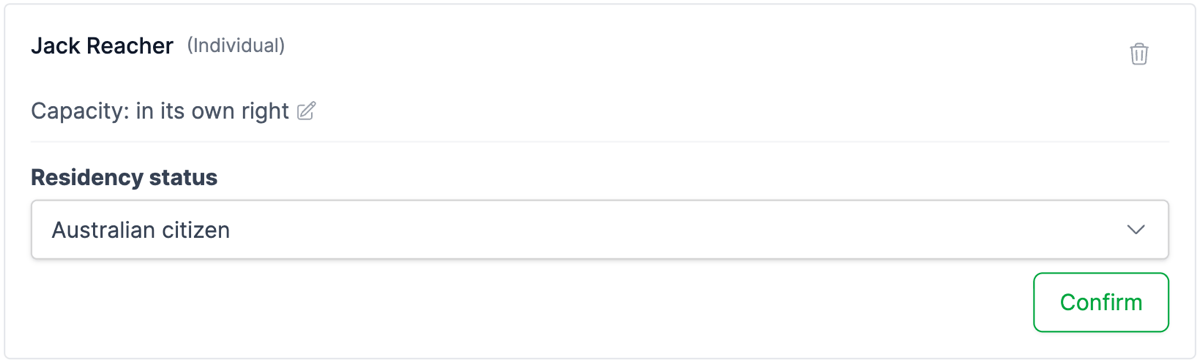
A contact with no residency recorded shows a Residency status dropdown with Australian citizen suggested, or Not a foreign corporation for a company contact. Click Confirm to save the suggestion, or choose a different status from the dropdown, which saves straight away. The saved status then shows as a Residency line.
Changing a residency status
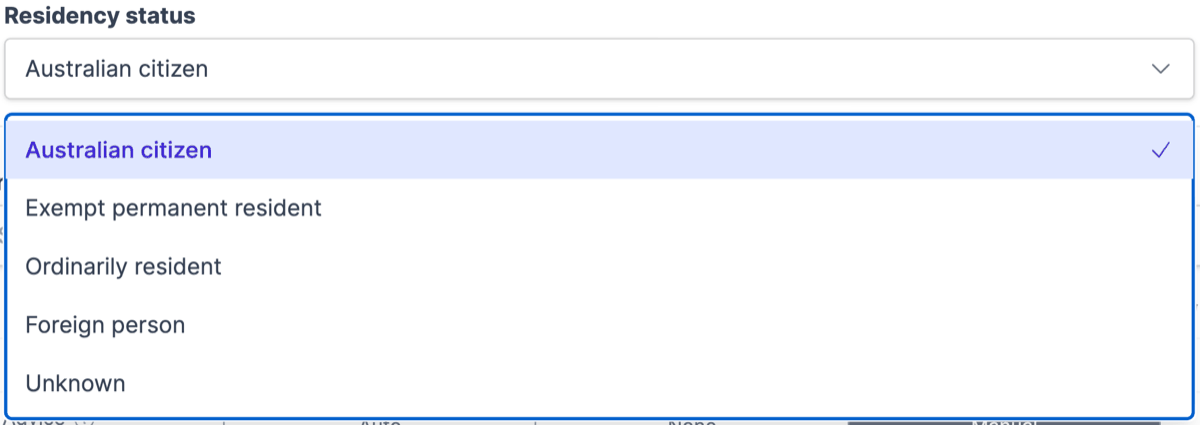
Click the Residency line to open the Residency status dropdown, then choose the new status. It saves as soon as you choose, and applies to the contact on every review it is linked to.
Ownership structure
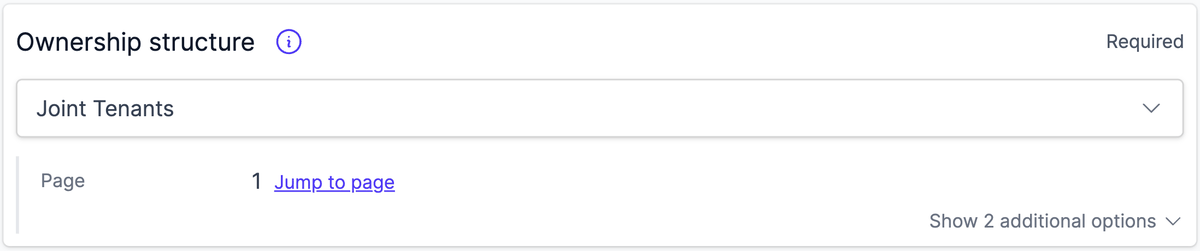
Ownership structure appears once two or more purchasers are linked. Choose how they will hold the property. It starts at Joint Tenants.
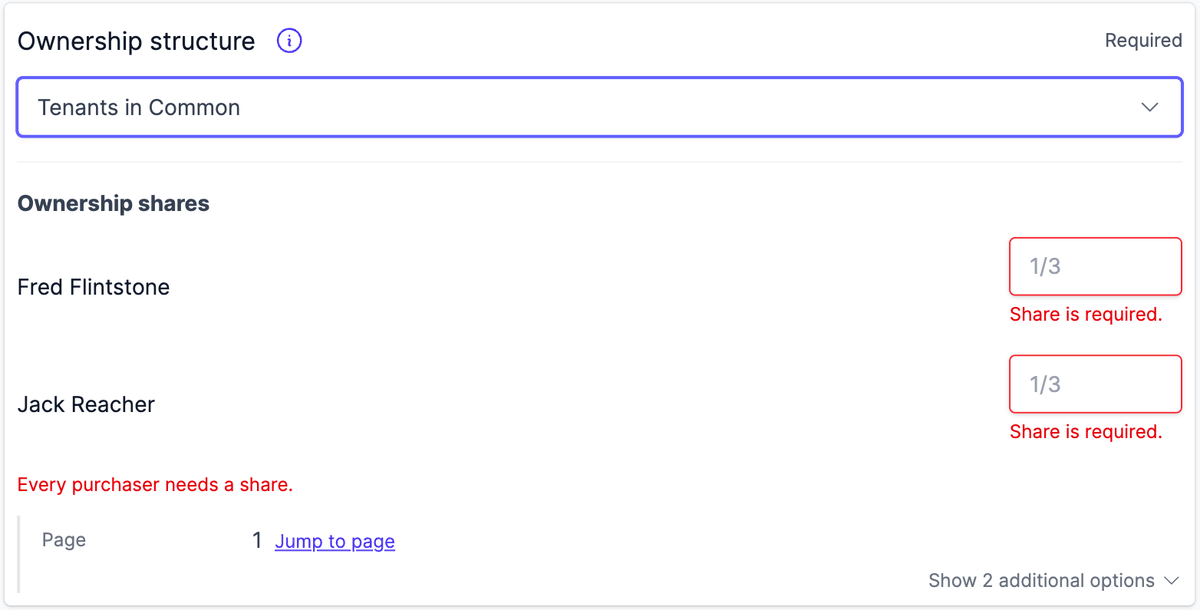
Under Tenants in Common, an Ownership shares list asks for each purchaser’s share as a fraction, such as 1/3. Every purchaser needs a share, the shares must total 1, and each must be a proper fraction. Until they do, the field shows an error and the shares aren’t saved.
The report states each purchaser’s share as you entered it.
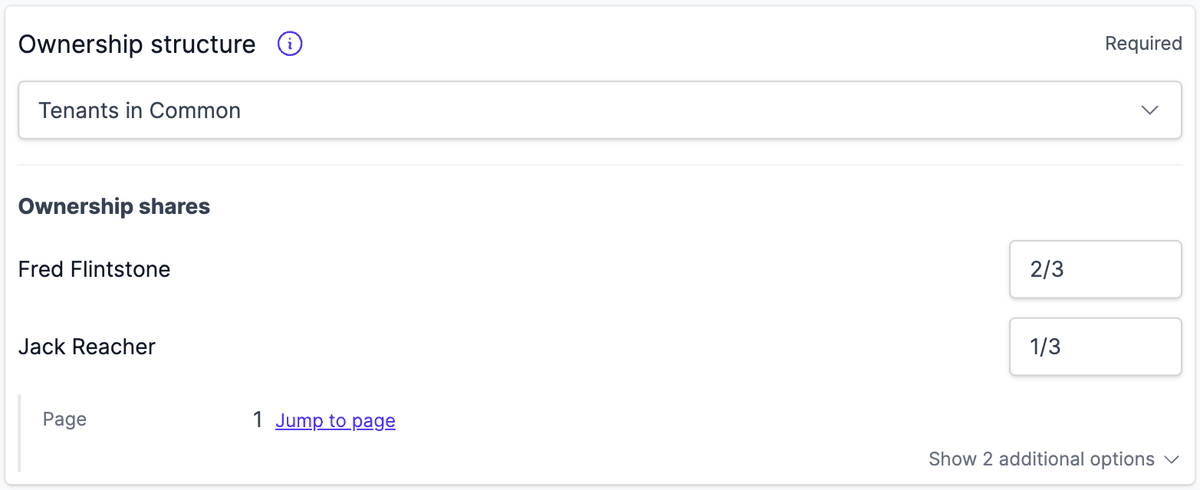
Changing the structure away from Tenants in Common clears the shares. Linking or unlinking a purchaser also clears them, because the existing shares no longer cover the new set of purchasers. Enter them again for the new set. If only one purchaser remains, a Tenants in Common structure returns to Joint Tenants.
Client circumstances and intent
Further fields capture the client’s circumstances and intent. Curia uses these to tailor the duty estimate, the recommendations and the report.
- First home buyer eligibility (First home buyer assistance scheme eligibility in NSW, First home buyer duty concession in VIC), which feeds the transfer duty estimate
- Finance required
- Deposit payment method
- Whether the property is bought as an investment
- Whether the purchaser intends to perform works on the property
- Whether the purchaser intends to obtain title insurance
- Whether the purchaser intends to obtain a building and pest inspection
Which of these appear depends on the fields your report template uses.