Managing titles (NSW)
How Curia represents a contract with more than one title, how to add or remove titles, and how the registered/unregistered switch changes the structure.
Curia creates a separate Title entry for each title reference detected on the contract front page. A contract covering a unit and a car space, or several lots in a subdivision, ends up with one Title entry per reference, each with its own title chain.
Each Title carries:
- A title reference (for example
14/1076134). - A plan type - Deposited, Strata, or Auto Consol.
- A lot/section/plan.
- An optional nickname (for example “Unit” or “Car space”) used in navigation and the report.
- Its own title searches (Lot, Common Property, Neighbourhood, Precinct, Community as applicable).
Land address
The Title tab also carries the contract’s Land address, taken from the contract front page. It belongs to the contract as a whole rather than to one title.
Curia checks that address against the addresses held in government land records for the titles on the contract. Where it isn’t one of them, Curia shows an Official land address warning on the field, giving the address on the contract, the address on record, and why the two don’t agree.

Curia also adds the Official land address amendment to the field, asking the vendor to confirm the official registered address for the property. The wording comes from your Library, where you can edit it. See Managing recommendations.
Preflight reports the result of this check on its Land address row. See Preflight - Match and currency checks.
Registered vs unregistered contracts
The Title registration setting on the Particulars tab is contract-wide. Curia sets it from the contract front page; change it by hand if needed.
- Registered - titles are already registered with NSW Land Registry Services. Titles appear in a single list.
- Unregistered (off the plan) - lots not yet registered. Titles split into Proposed Titles and Parent Titles. See Using Curia for off the plan contracts.
Supported title structures
Curia handles every common NSW structure for a registered contract:
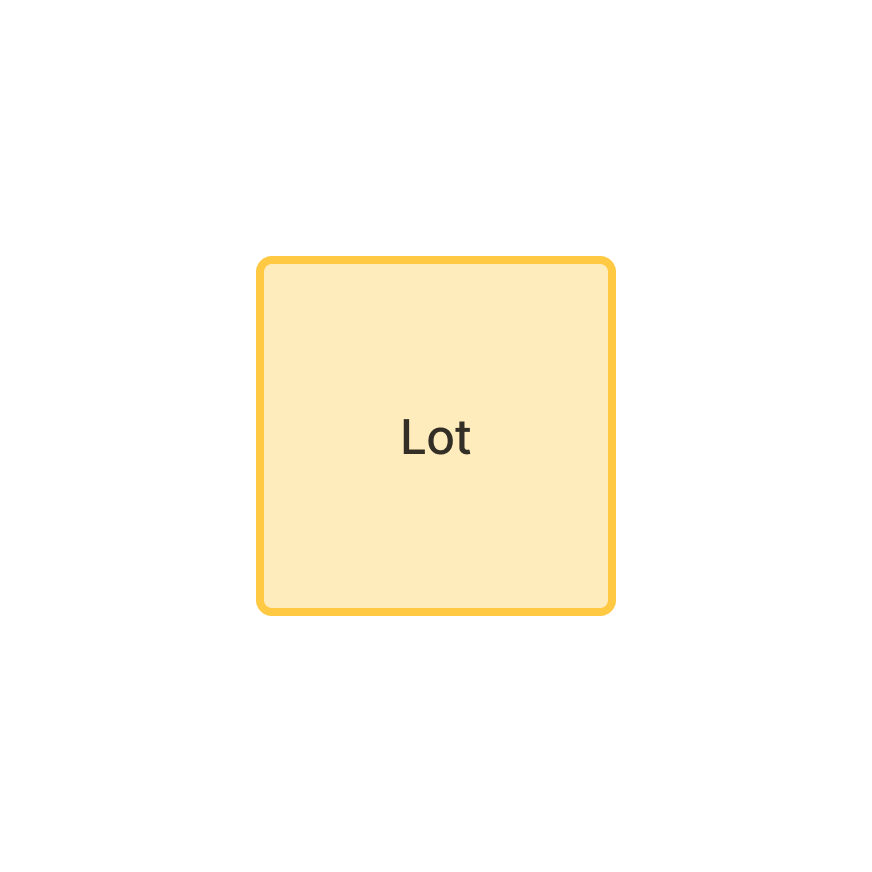
Single Deposited Plan title
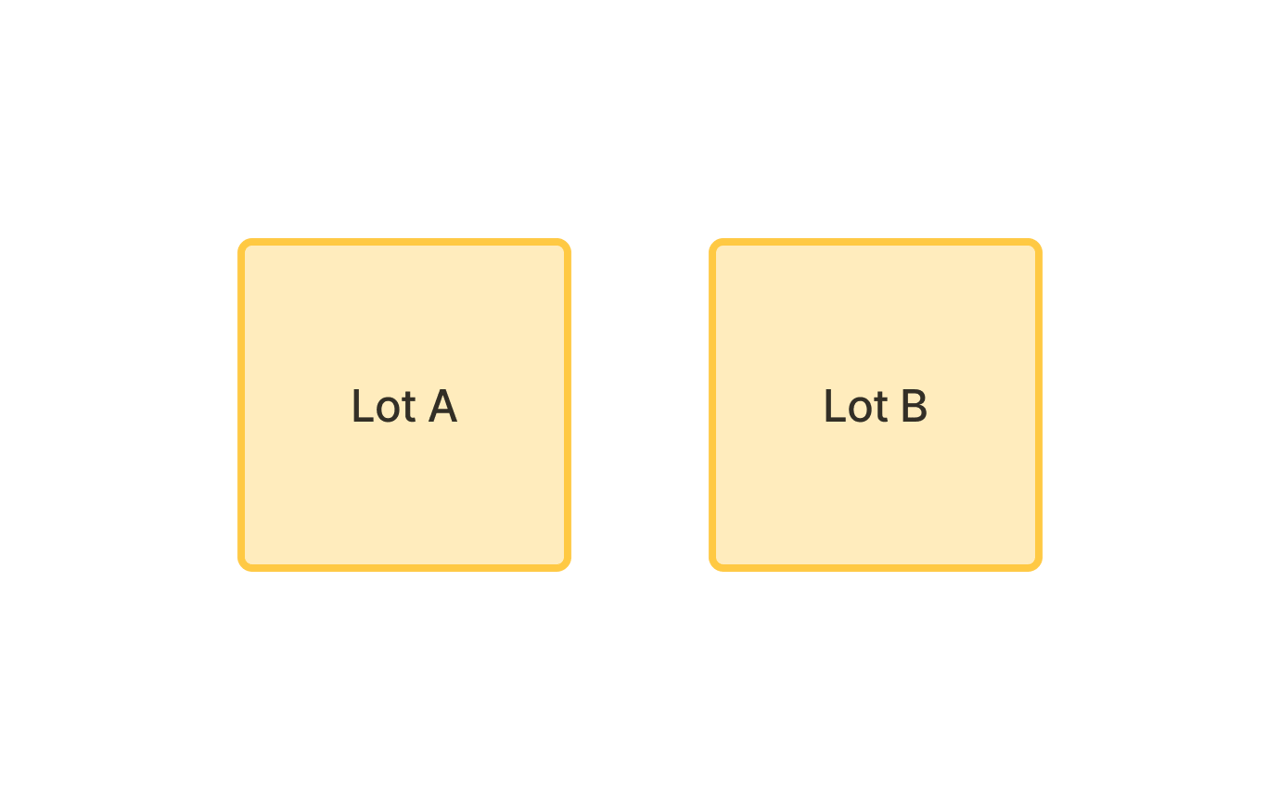
Multiple Deposited Plan titles
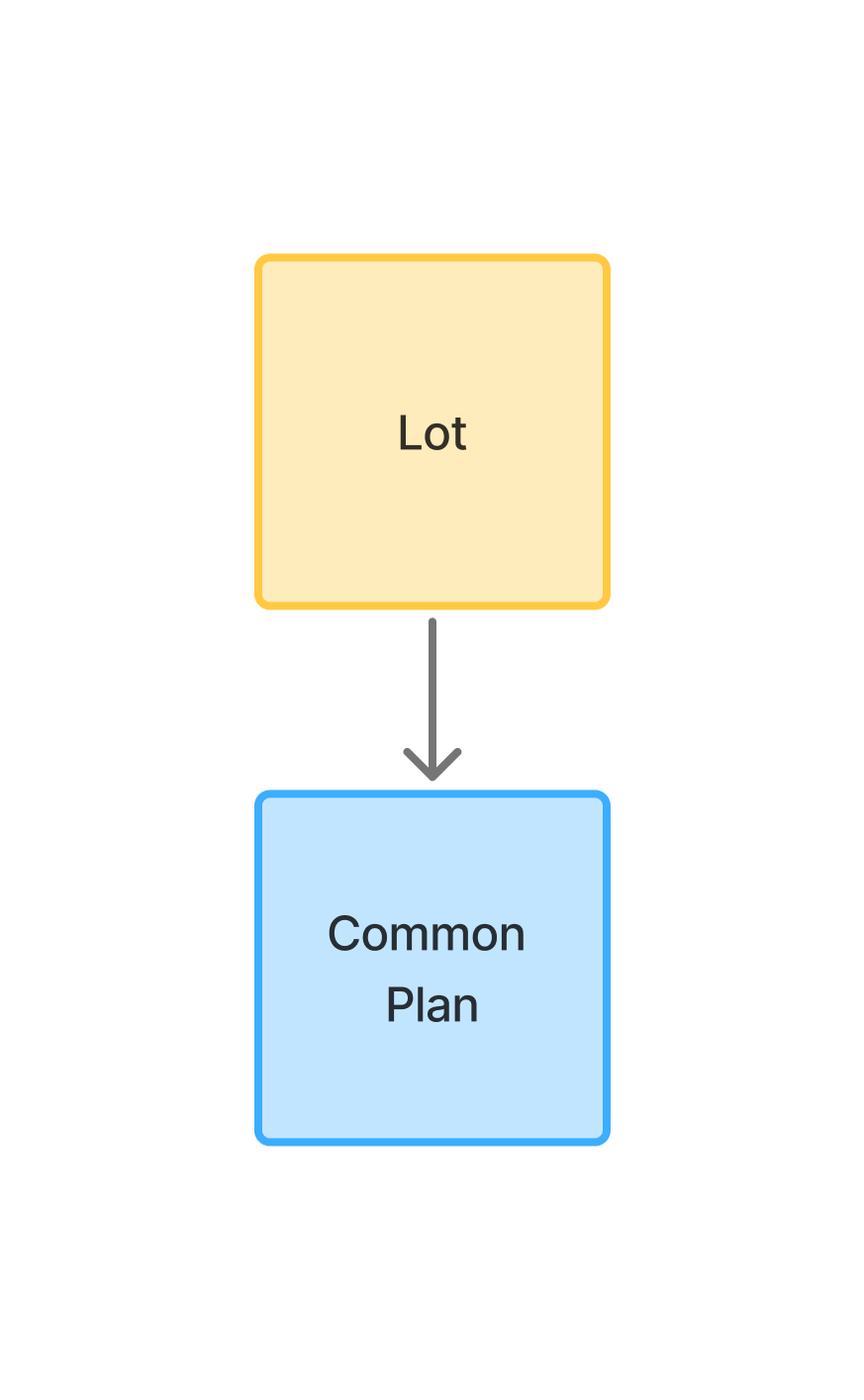
Single Strata Plan title
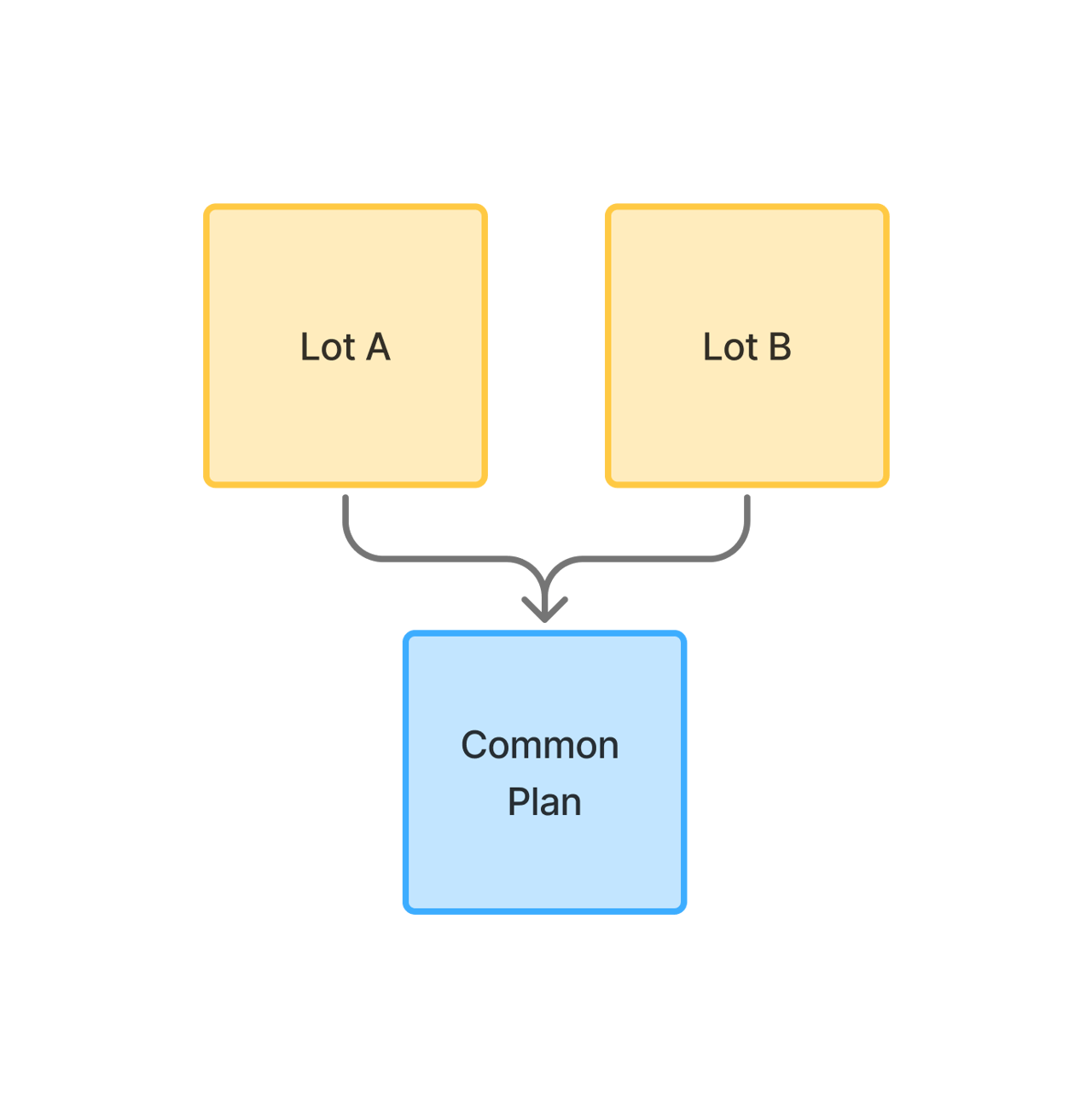
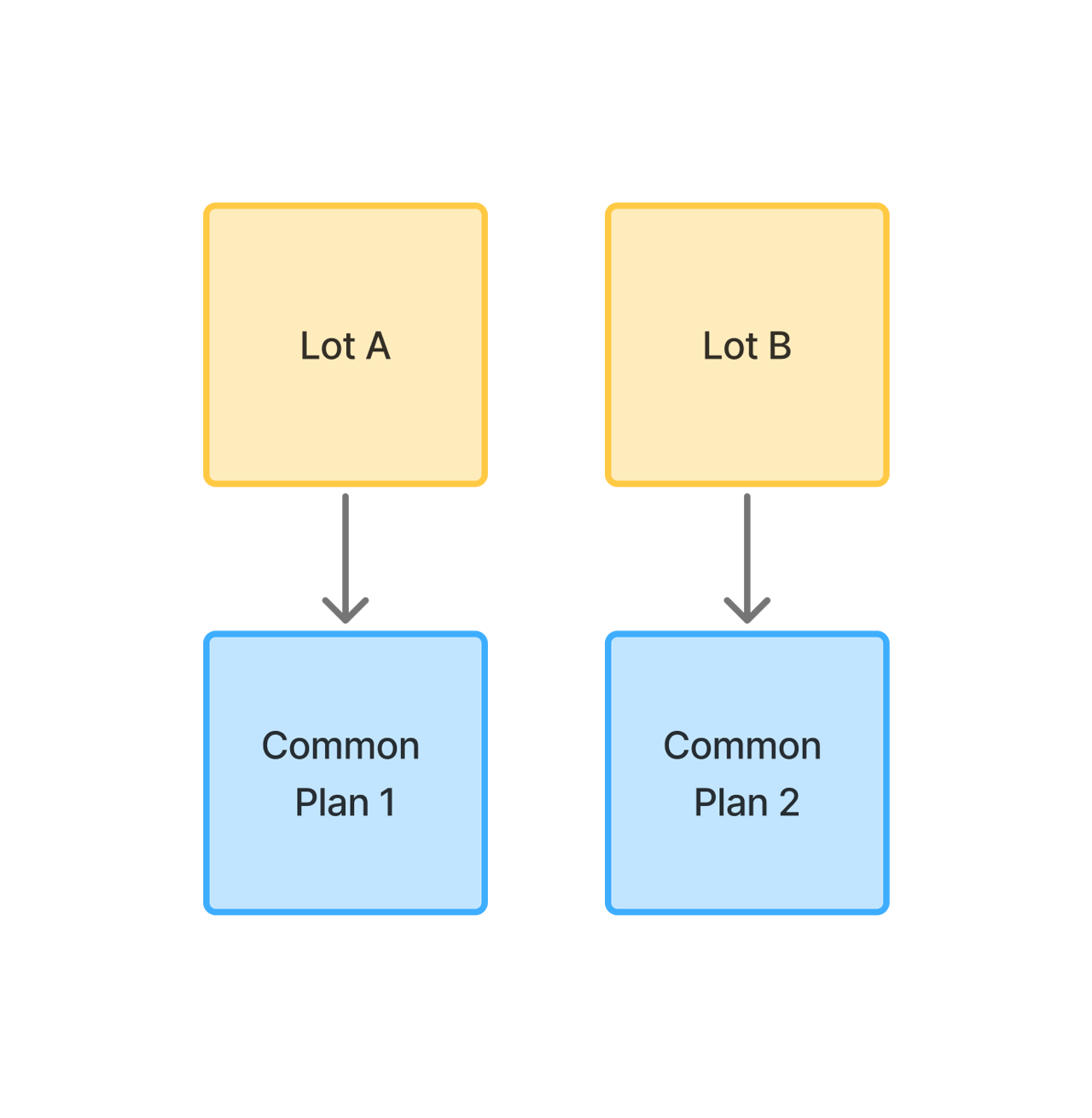
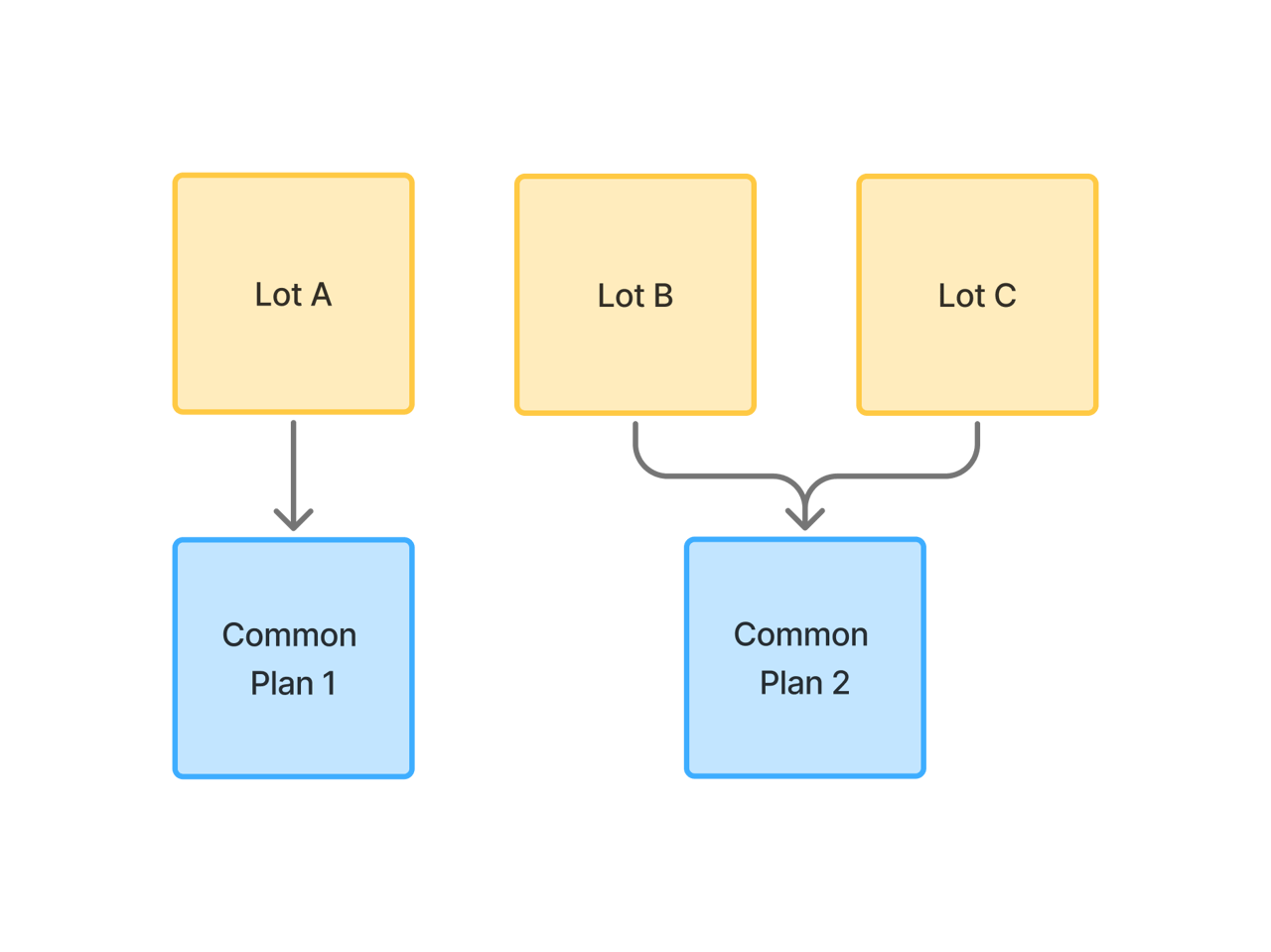
Multiple Strata Plan titles with shared Common Property
Multiple Strata Plan titles with separate Common Property
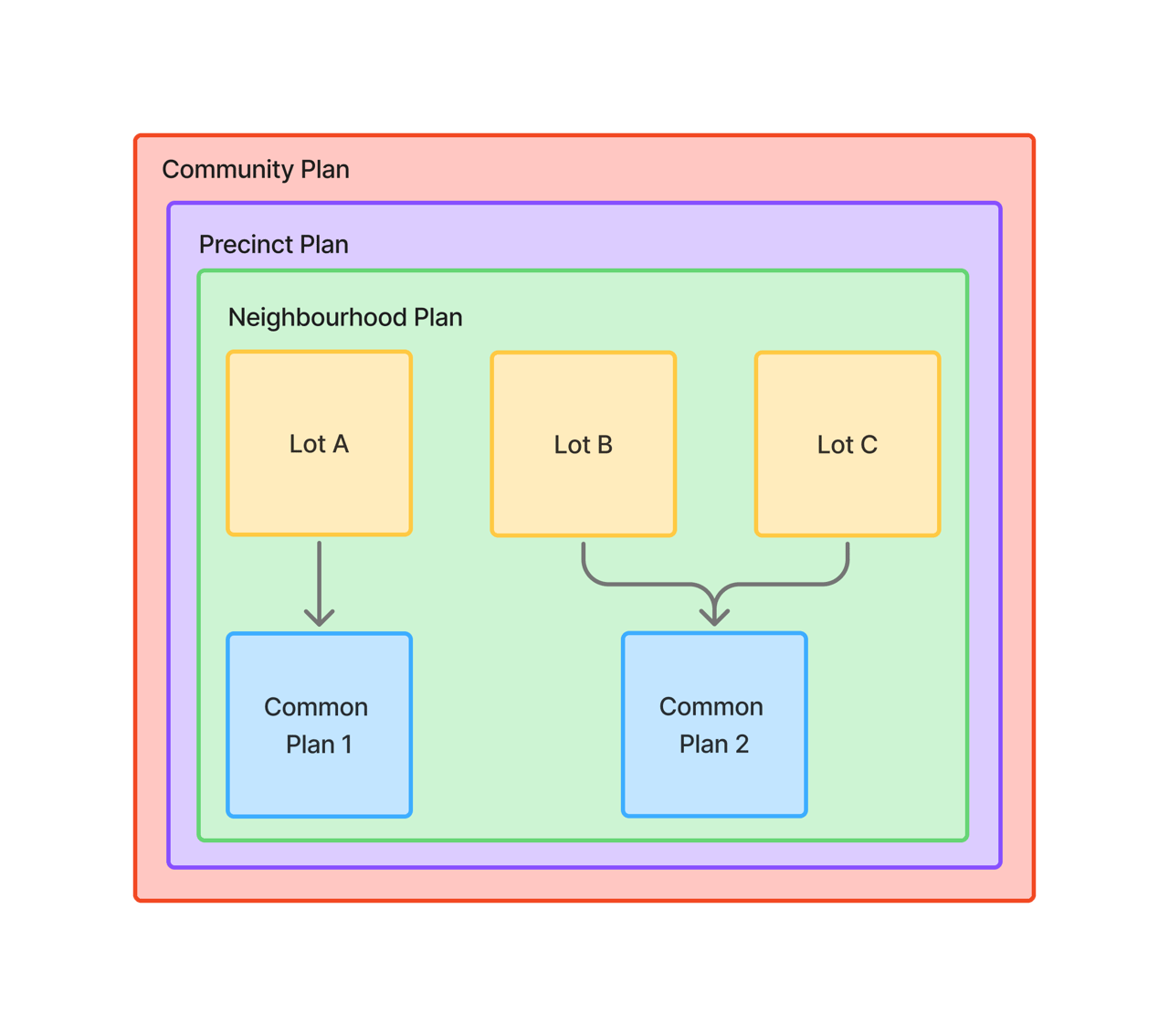
Parent plans on top of any structure
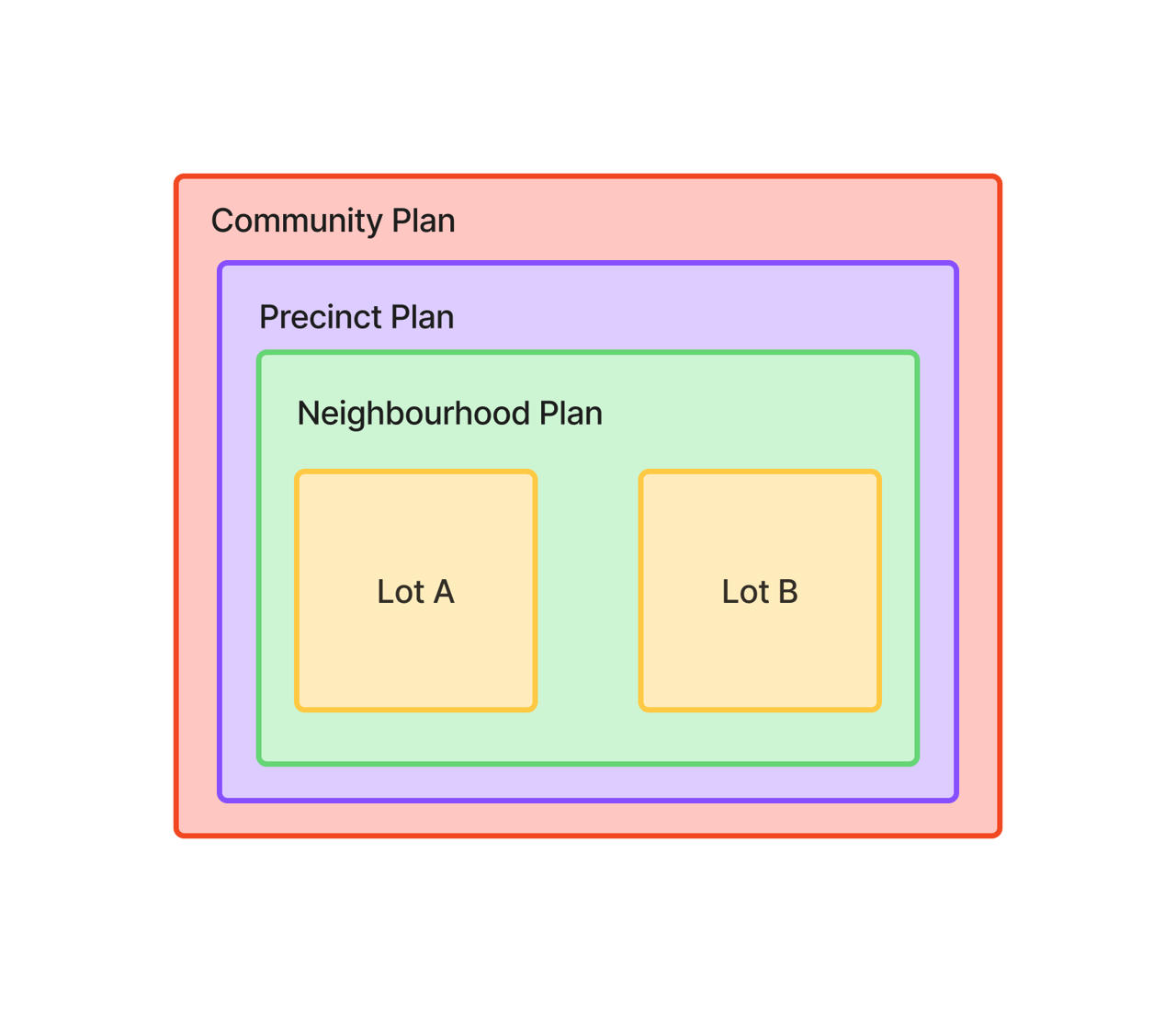
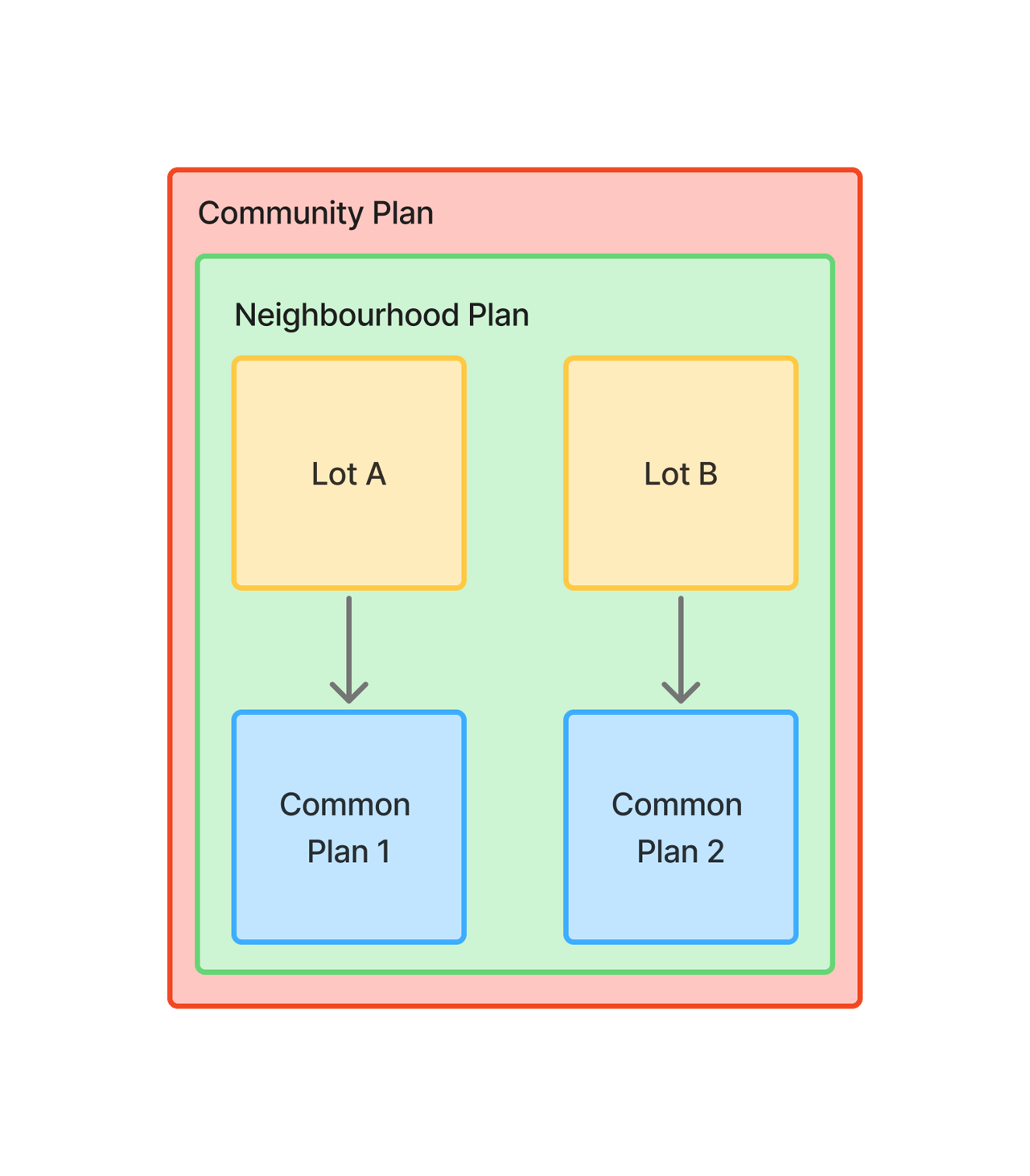
Any structure above can include one or more parent plans. Only one of each parent plan type can exist on a contract:
- Neighbourhood Plan - shared across all titles in the contract.
- Precinct Plan - shared across all titles in the contract.
- Community Plan - shared across all titles in the contract.
Automatic detection
During processing, Curia scans the contract front page for title references and:
- Creates one Title entry per reference.
- Populates the title reference, plan type, and lot/section/plan fields.
- Creates the title searches by following the title chain.
Review and edit the auto-populated data as needed.
Adding a title
On the Title tab, click Add new title. Enter the title reference, set the plan type and lot/section/plan, and optionally give the title a nickname.
Editing a title
Click into the Title to edit any of:
- Title reference.
- Nickname - used in navigation and the report.
- Plan type - Deposited, Strata, or Auto Consol.
- Lot/section/plan.
Removing a title
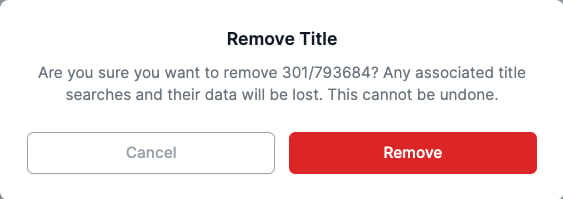
Click the trash icon next to the title in the right sidebar and confirm in the dialog.
Removing a title permanently deletes its title searches, dealings, certificate dates, and recommendations.
Unregistered (off the plan) contracts
Unregistered contracts display titles in two sections instead of one. Adding, editing, and removing titles works the same as for registered contracts; the field set differs slightly.
Proposed and Parent Titles
- Proposed Titles - the lots being purchased that are not yet registered. Labelled Proposed Title 1, Proposed Title 2, and so on.
- Parent Titles - the existing registered lots from which the proposed lots will be subdivided.
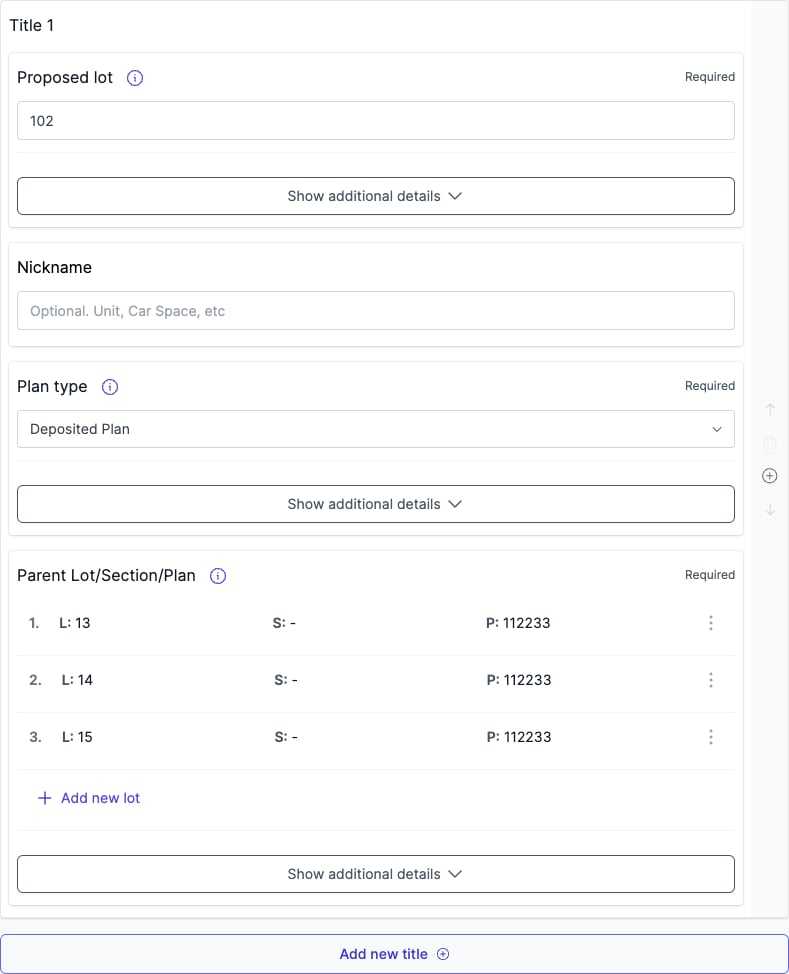
Parent Lot Section Plan field
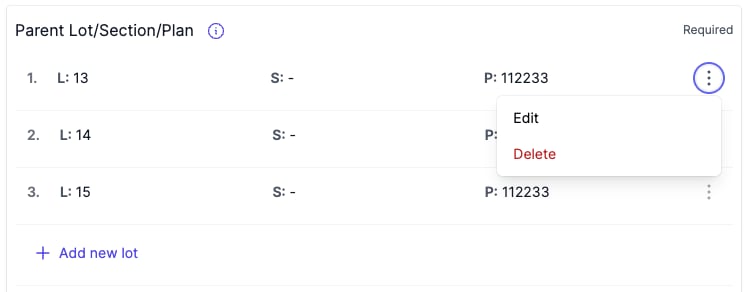
Each Proposed Title carries a Parent Lot/Section/Plan field that points at the parent lots. Curia extracts the value from the contract; edit it by hand if needed. A Proposed Title can reference multiple parent lots - click Add new lot to add another, or Delete to remove one. Changes here drive the automatic generation of Parent Titles.
Navigating between titles
- On a single-title contract, the title fields appear directly. Click Manage to open the title searches.
- On a multi-title contract, open Titles to see every entry. Click Manage title [number] to open a specific title and its searches. Use the breadcrumbs to jump back up.
Changing plan type or registration status
Changing Plan type updates the available title search types - switching a title to Strata makes Common Property available, switching away from Strata immediately removes the Common Property search.
FAQ
How does Curia detect multiple titles?
Curia scans the contract front page for title references and creates a Title entry for each one.
Can I add a title that wasn’t detected?
Yes. Click Add new title on the Title tab.
What happens when I remove a title?
The title and all its title searches, dealings, certificate dates, and recommendations are deleted permanently.
What’s the difference between Proposed and Parent Titles?
Proposed Titles are the lots being purchased that aren’t yet registered with Land Registry Services. Parent Titles are the existing registered lots that will be subdivided to create them.