General settings
Set firm-wide defaults from Settings > General, including which clauses the Clauses tab shows and whether your firm contributes to Curia Pulse.
The General page under Settings holds defaults that apply to everyone in your firm. Only admins can open it.
Default clause filter
The Reviews section has a Default clause filter for each state your firm operates in. It sets which clauses the Clauses tab lists when anyone in your firm opens a review in that state that uses the Clauses tab:
- All clauses - every clause Curia identified
- Included in report - only clauses toggled on for the report
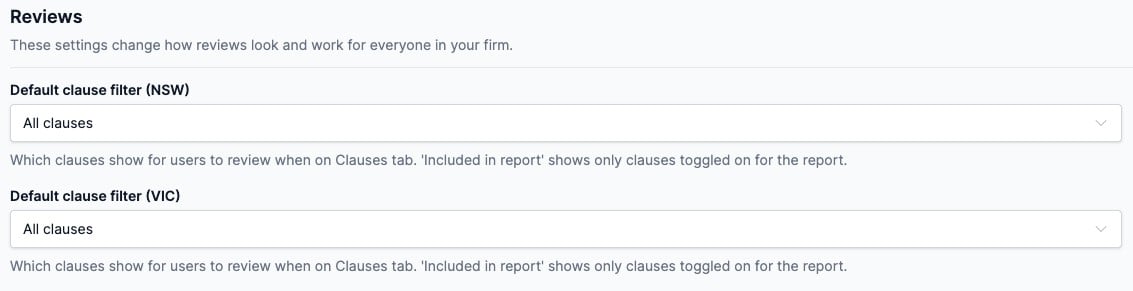
Change a dropdown and click Save. Cancel puts back the saved values.
The default only sets where the tab starts. Anyone can switch the filter on a review, and their choice lasts until they leave the page. Admins can also set the default from the Clauses tab itself. See Clauses.
Curia Pulse
For firms with Pulse enabled, the Curia Pulse section has a Network figures setting that controls whether your firm contributes to the Pulse network figures. Firms that opt out can’t view Pulse. See Opting out of Curia Pulse.