Preferences
Change how Curia works for you personally, including whether review field options open on hover or on click.
Settings for your whole firm are under Settings > General; see General settings.
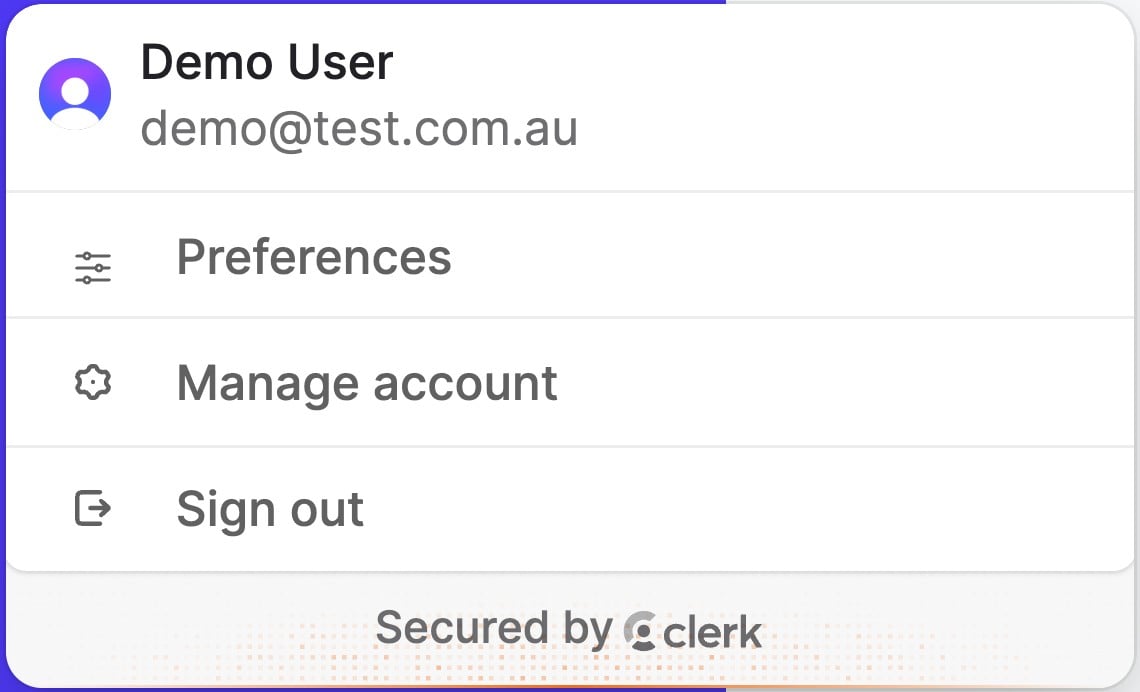
Opening Preferences
- Click your profile button at the bottom of the sidebar.
- Click Preferences.
Change a setting, then click Save. Click Cancel to put back what you had.
Review page
Show field options
Sets how a review field opens its options rows and controls.
- On hover (default) - a field opens its options when you rest the pointer on it
- On click - a field opens its options only when you click the button at the bottom of it
On a touch screen, fields open from the button at the bottom of the field whichever you choose. See Field functionality for what the options rows hold.